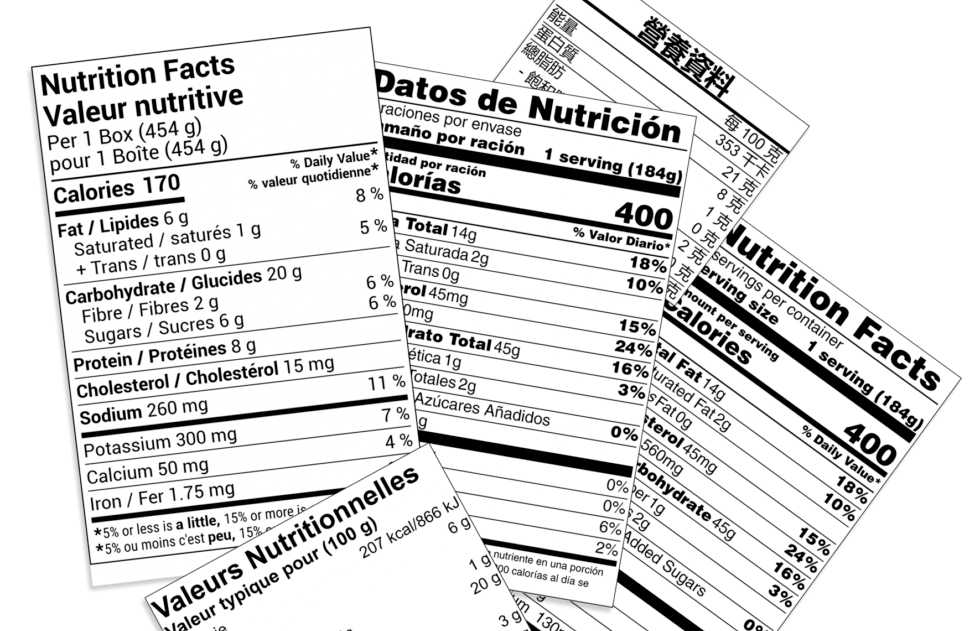
Today we’re announcing an important step forward in our aim of providing the best accessibility experience for nutrition labels. A nutrition label includes vital information. For example, serving sizes, calorie counts, nutrient breakdowns, and even allergens. That information must be available to every reader, not just those who can see it on a screen. That’s why we’ve added two improvements to our accessibility features in the Nutritionist Pro™ online label creator. Screen readers can now fully read both on-screen labels and exported PDFs.
What’s new
Rendered labels are now readable by assistive technology on-screen.
When a label is displayed in Nutritionist Pro, screen readers can navigate to and announce its contents as they would on any well-structured web page. Headings, nutrient names and values, serving information, ingredient lists, and allergen statements are all exposed in the correct reading order.
Exported label PDFs now include the metadata screen readers need.
When you export a label as a PDF, the file carries the metadata required for assistive technology to announce the label’s contents to end users. That means a label sent by email, posted to a website, or included in a product spec sheet remains accessible wherever it ends up, not just inside our app.
Taken together, labels you create in Nutritionist Pro (both the versions you preview in the app and the PDFs you distribute) can now be read aloud by JAWS, NVDA, VoiceOver, TalkBack, and other common screen readers.
Why this matters
Before a nutrition label is ever printed on a package, it can have a long digital life. It gets reviewed internally, shared with buyers, attached to spec sheets, posted on institutional menu portals, and filed alongside regulatory submissions. Plenty of labels stay digital permanently, living on product web pages, in online ordering systems, and in compliance archives. In each of those contexts, a label that a screen reader can’t interpret is effectively invisible to part of the audience who needs to read it.
There’s also a growing regulatory dimension worth flagging, especially for teams that sell into or operate within the public sector. Recent updates to U.S. digital accessibility rules require state and local government entities (including public colleges and universities, K‑12 school districts, municipal health departments, and public hospitals) to bring their web content and electronic documents in line with WCAG 2.1 Level AA. The first major compliance deadline lands this month for larger institutions, with smaller entities following next year. Similar obligations exist in Canada under the Accessible Canada Act and provincial frameworks such as the Accessibility for Ontarians with Disabilities Act (AODA).
If you create labels for that ecosystem, whether as a food manufacturer supplying institutional food service, a contract dietitian generating labels for a school district, a clinical nutrition team inside a public hospital, or a cafeteria operator at a state university, your PDFs will include the metadata those organizations expect.
What you need to do
Nothing. The new accessibility features are live for all Nutritionist Pro label creator users and apply automatically to any label you render or export. If you need accessible versions of older labels, simply regenerate them from the current data. Once you’ve created a new label, you can use a screen reader to read the label information on the create label page, or you can open the PDF metadata (Command+D/Ctrl+D in Acrobat Reader, or File > Properties in a browser) and use a screen reader to read the data.
Please share your feedback
If you’re using Nutritionist Pro in a regulated environment and have accessibility requirements we haven’t addressed yet, we’d genuinely like to hear about them. Real-world use cases are the best guide we have for where to invest next.
Questions?
If you have any questions or would like to request a new feature, please reach out to
[email protected].